.png?width=164&height=88&name=jtl-tax-d%20(1).png)
Please follow these steps:
Step 1: Open the Connector folder
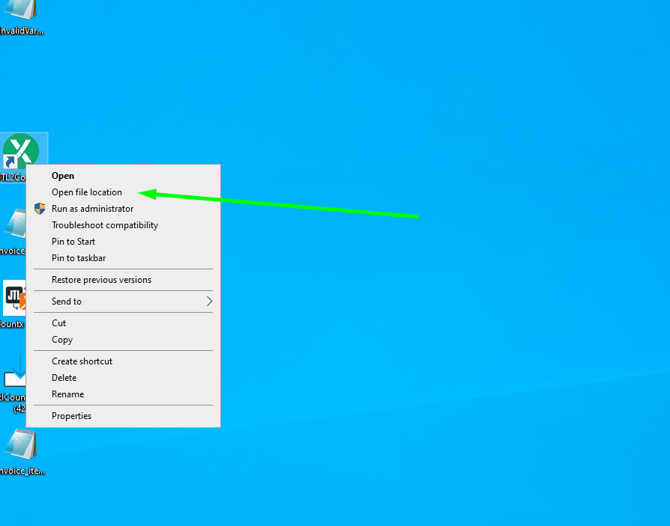
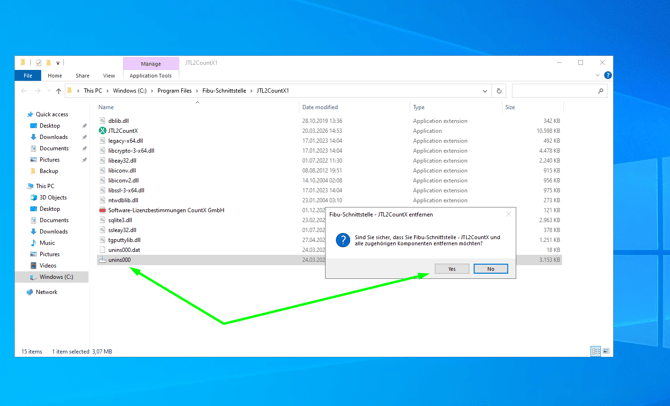
- Step 2: Run the uninstaller
- Double-click the Uninstaller file
- Click “Yes” to confirm the uninstallation
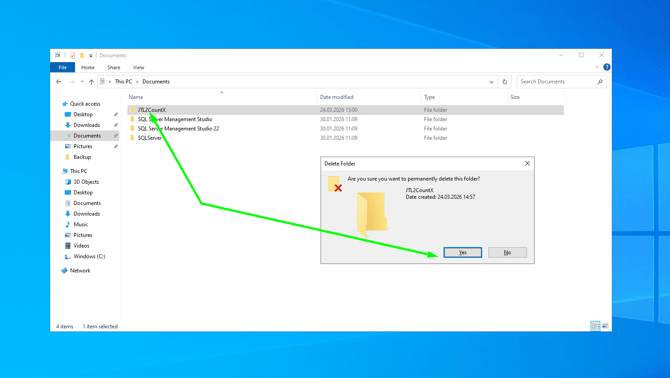
- Step 3: Delete the folder
- Open the following path: C:\Users\countx\Documents
- Find the folder: JTL2CountX
- Delete this folder completely
- Important Note (if uninstallation is not complete)
- If the connector is not completely removed, please also follow these steps:
- Step 4: Check processes in Task Manager
- Open Task Manager
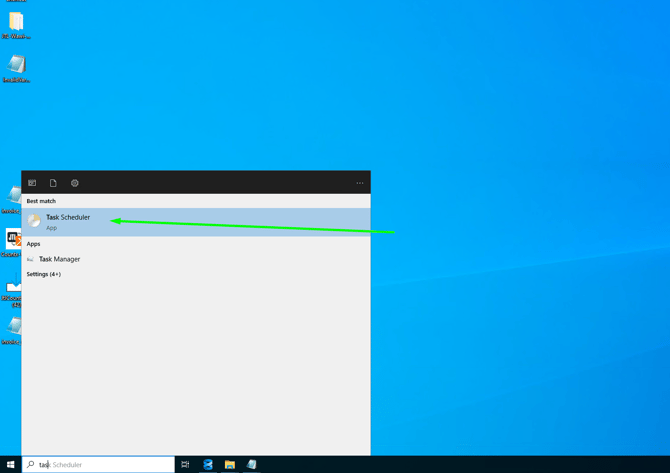
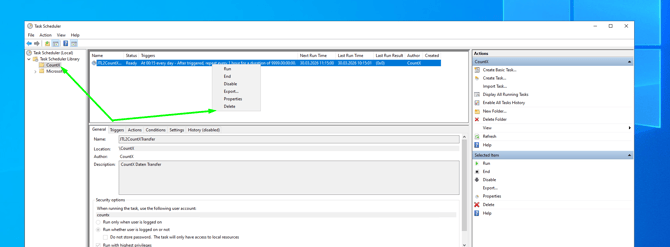
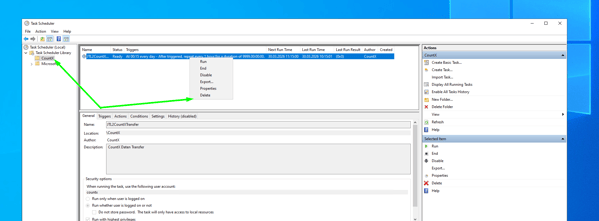
- Step 5: Clean up the Task Scheduler
- Open Task Scheduler
- Search for: JTL2CountX
- Delete:
- the task
- the associated folder